




Spinmaya Casino Application
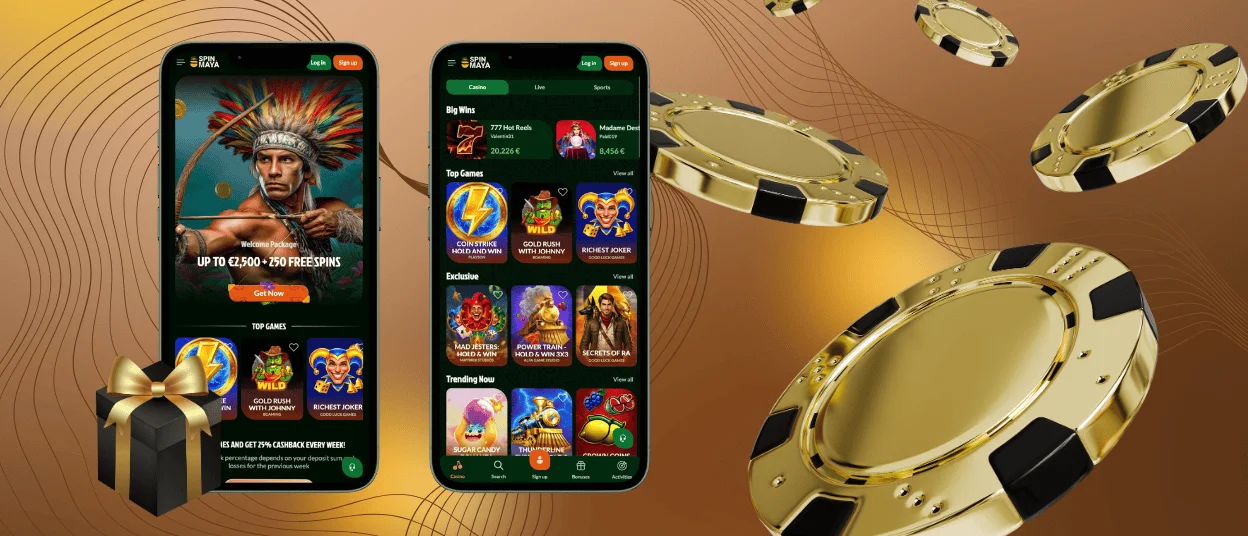
Most sessions today start on a phone, and the Spinmaya app is built around that habit. It turns the full platform into a home-screen icon, cutting the route from pocket to lobby down to one tap. The same account keeps working behind it, so nothing about the balance or active offers changes when play moves to mobile.



Spinmaya Casino App for Android
Android installation runs through the browser rather than a marketplace. The whole process takes under a minute on a standard device.
- Open the Spinmaya website in Chrome or another mobile browser.
- Tap the browser menu and choose the option to add the site to the home screen.
- Confirm the shortcut name and placement.
- Launch the app from the new icon like any other installed application.
The icon behaves exactly like a native app from that point on. It opens in full-screen mode, keeps a member signed in on a personal device, and resumes the session where the last one left off.
APK
An APK file plays no part in the setup. The Spin Maya application installs directly from the browser, eliminating the risks associated with side-loaded files from unofficial sources. There is no archive to download, no security setting to change, and no manual update to track later. Every update installs silently in the background, so the version on the home screen is always the current one.
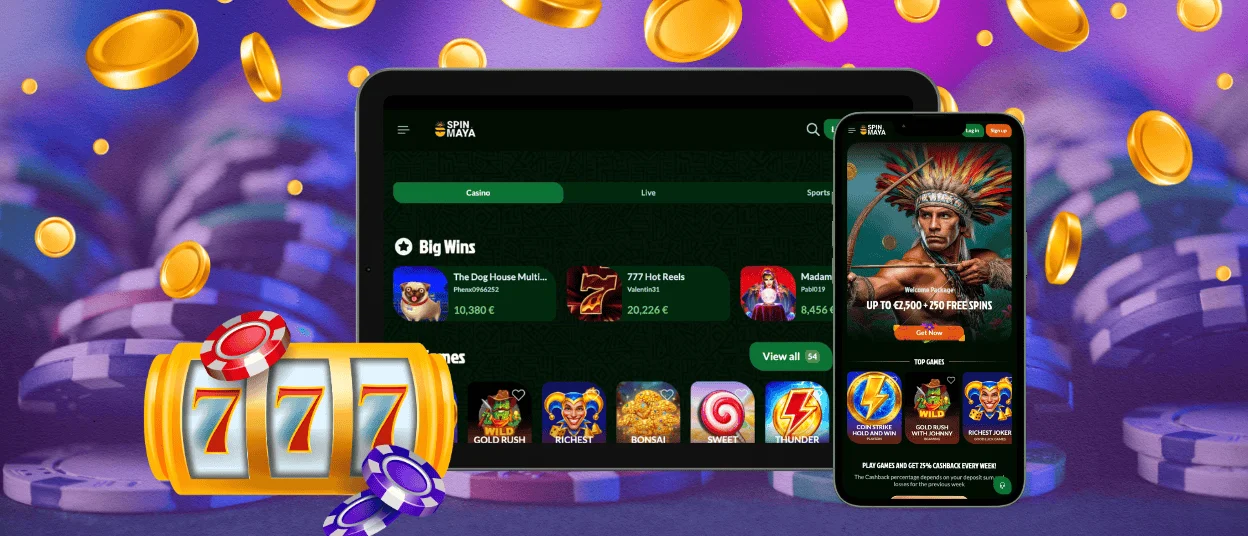
Spin Maya Application for iOS
iPhone and iPad owners follow a route built into Safari. Opening the Spinmaya website and choosing Add to Home Screen from the share menu places the icon among the other apps on the device. The shortcut launches in its own window, without browser bars taking up screen space. Face ID or Touch ID can protect access at the device level, adding a layer of privacy on top of the account password.
Features & Benefits of Using the Spinmaya App
Mobile play changes how a session feels, not what the account can do. Online slots load in the same quality on a phone screen. The wallet keeps its full function. What shifts is the context around the game — and that is where the app earns its place next to desktop play.
The table below breaks that context down by scenario, matching common moments in a day to whichever side of the platform actually fits them best.
| Scenario | Where It Fits Best |
| A ten-minute break between tasks | The app, since the lobby opens in seconds from the home screen |
| Following a promotion the moment it goes live | The app, thanks to push alerts on the lock screen |
| A long evening at live tables | Desktop, where a larger screen shows more of the dealer view |
| Managing documents for the verification process | Desktop, where file uploads from a computer feel more natural |
| Checking bonus progress on the move | The app, with the dashboard one tap away |
Neither side replaces the other. The mobile casino covers the fast, frequent moments, and a desktop screen still suits longer sessions with more visual detail. Together, they keep the gaming experience continuous throughout the day.
Access Spinmaya Casino Through a Web App on PC
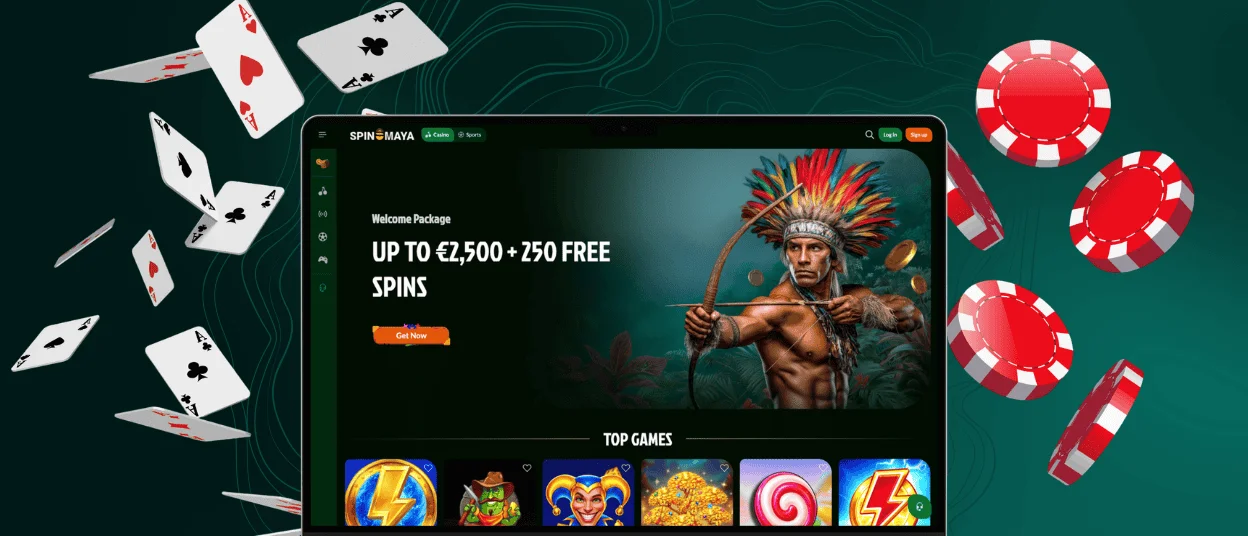
A desktop computer needs no installation at all. The Spinmaya Casino platform runs directly in any modern browser, and the address bar offers an install option that pins the site as a standalone window on the taskbar. That desktop shortcut launches without tabs or bookmarks, mirroring the mobile version’s focused feel on a bigger screen. Signing in with the usual credentials restores the same profile, so a round started on a phone during the day continues on a monitor in the evening.
Troubleshooting and Fixes
A shortcut that stops responding needs nothing more than a browser update, since the app inherits its engine from the browser it was installed from. A blank screen after launch clears in most cases once the browser cache is emptied and the icon is opened again. When a page loads slowly, switching from mobile data to a stable Wi-Fi connection restores normal speed.
If you cannot resolve the situation on your own, our support team takes over. Live chat stays open around the clock inside the app itself, and a specialist responds within the same session. Removing the icon and repeating the installation takes under a minute and resolves most remaining cases on the spot.
Device Compatibility
The app runs on any device with a current browser, which keeps hardware requirements low. Phones released within the last several years handle it comfortably.
| Device Type | What It Needs |
| Android phone or tablet | A current version of Chrome or another modern browser |
| iPhone or iPad | An up-to-date Safari release |
| Windows or macOS computer | Any modern desktop browser with the install option |
Storage demands stay minimal because the shortcut stores almost nothing locally. Even an older device with limited free space carries the Spinmaya app without slowing down.
FAQ
Does the Spinmaya app update on its own?
Yes. Updates arrive automatically each time the app connects, with no version to check and no file to install. The icon on the home screen always opens the latest build.
Can push notifications be switched off after installation?
Notification permissions can be set in the device settings, where app alerts can be paused or disabled at any time. The app itself continues to work the same way, even with alerts off.
Is a separate registration needed to play through the app?
One profile covers every platform. An account created on the website logs directly into the app using the same credentials, and a Spin Maya Casino account opened on mobile also works on a computer.


